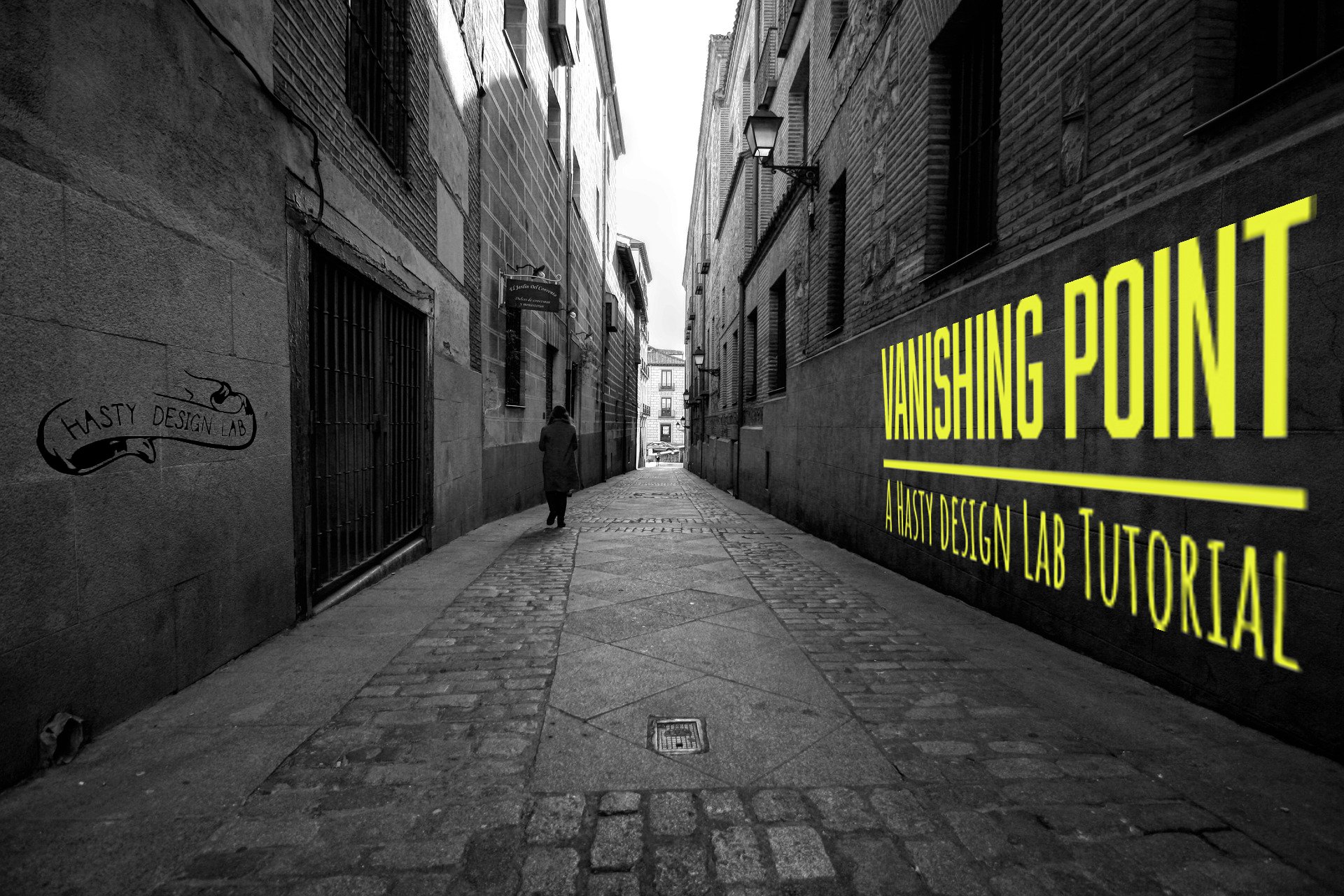
Project Three
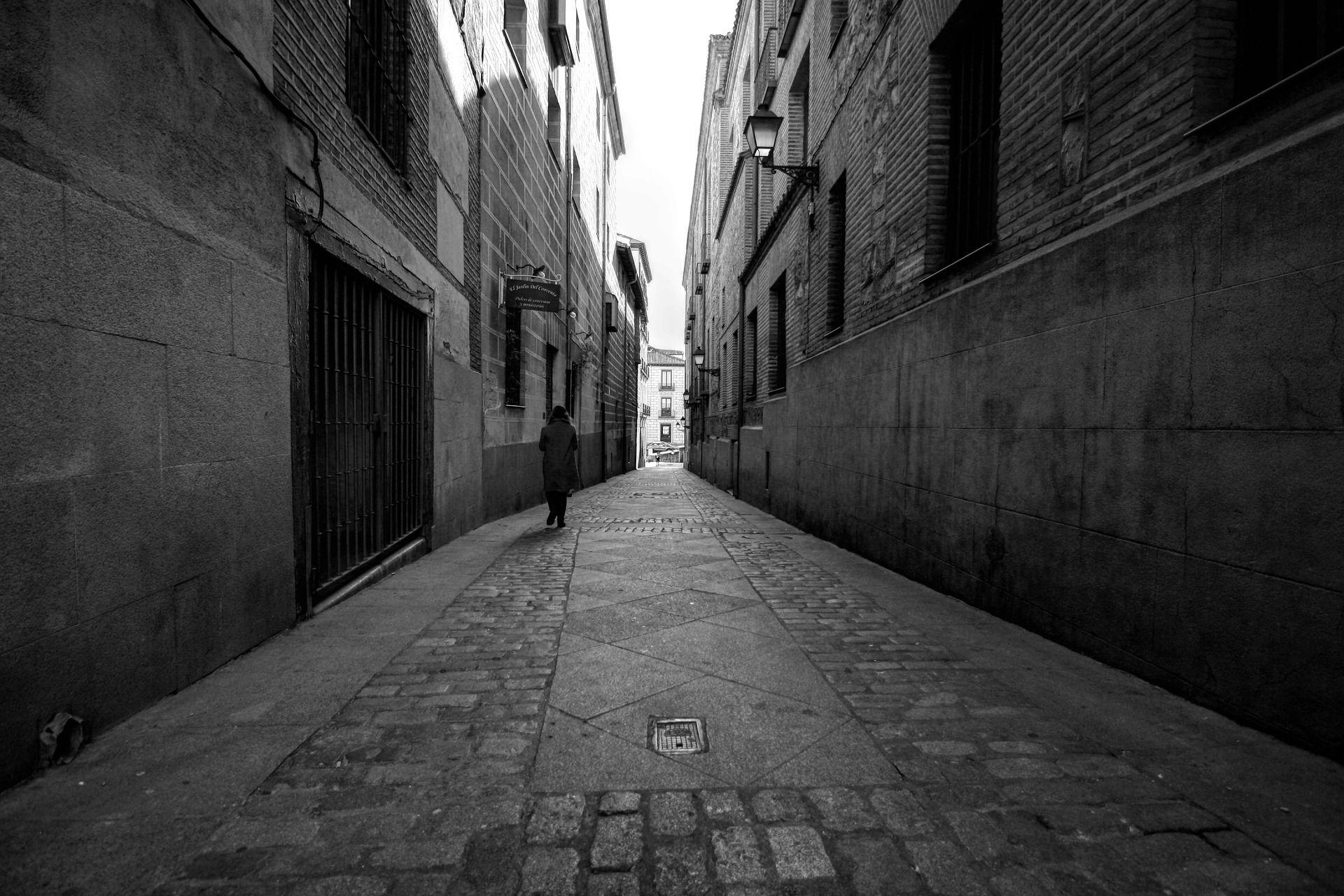
Make it stand out.
Introduction and Learning Objective
As i said for Project one, The Image itself is actually the journey of the rest of the project as the final project is learning how to create the first project! this short 90 second instructional technique video shows students learning adobe photoshop how to use the vanishing point tool, and the shortcuts used in creating the asset.
Original File Links & Licensing
original Image by: damarcoello
https://pixabay.com/photos/madrid-austrias-black-and-white-3993066/
Free for commercial use
No attribution requiredLogo by Zach Hasty(self)
Font for Text
Abolition Regular <link rel="stylesheet" href="https://use.typekit.net/xeb4zzv.css">
Amatic SC Bold <link rel="stylesheet" href="https://use.typekit.net/xeb4zzv.css">
Music:
Artists: Arthur Benson
Composers: Arthur Benson
Audio source: Epidemic Sound
Adobe Stock Asset ID: #357334708
Techniques
audio
recorded on Iphone 13
audio synced on iMovie
Video Editing
Quicktime Player screen record.
iMovie
intro fade from black
transition to title page
insert audio
insert outro audio
create and insert title page
Reflection
I think this tutorial turned out well. it was short and sweet intended to help someone learn a skill mid-project. Overall, I believe this would have been better suited for an instagram post based on its duration. my original film was 9 minutes long and was edited down multiple times before a final script was written. I would have liked more time to edit the audio and create a more interesting intro and outro.